Question

Sort by DATE COMPLETED?

  • March 3, 2026
  • 2 replies
  • 100 views

 So I want to be able to sort work orders by DATE COMPLETED….. it seems MaintainX software overlooks this simple function?  Or am I missing something?

2 replies

AngelinaE
Forum|alt.badge.img
  • MaintainX Team
  • March 3, 2026

Hi Phil, 

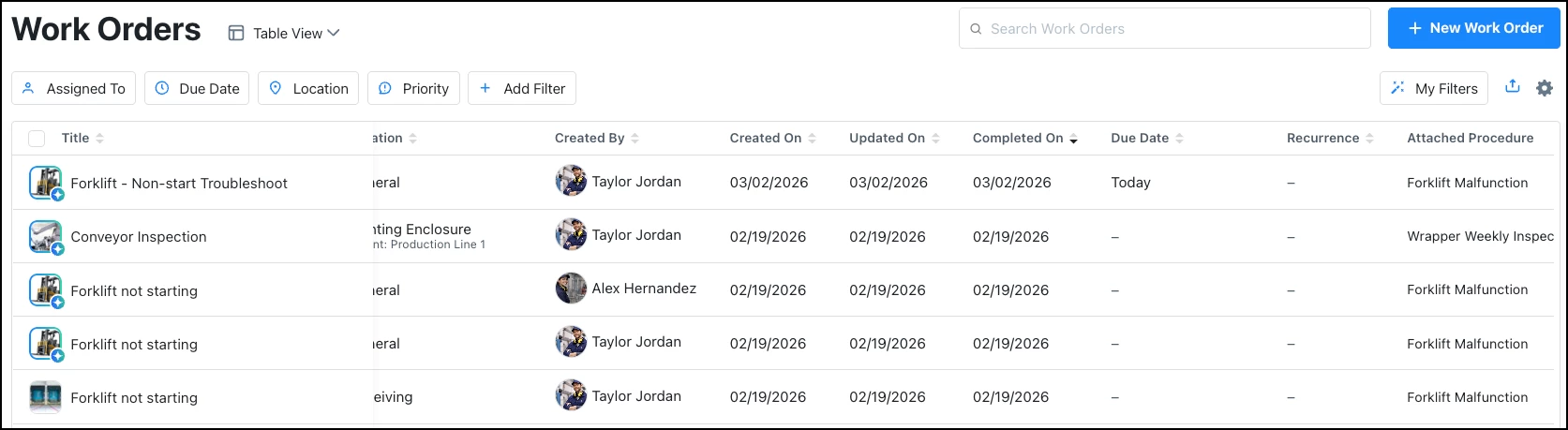
To sort your work orders by Date Completed, you’ll make an update to how they display: 

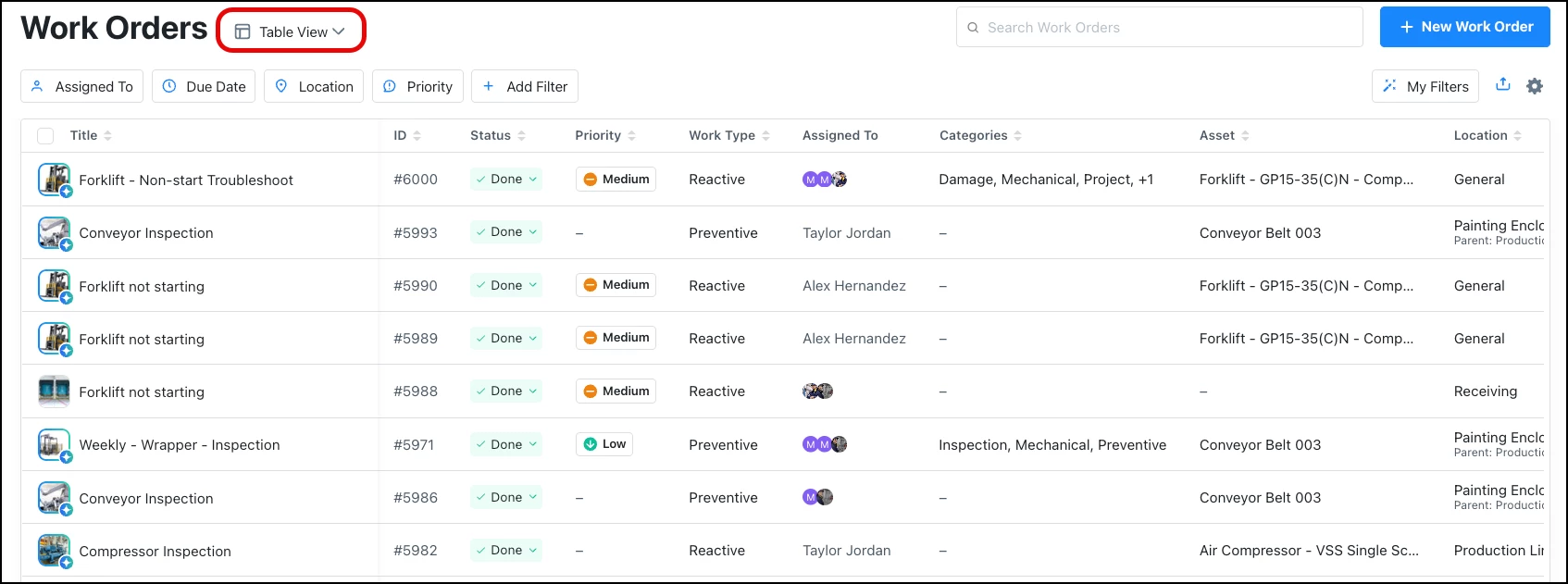
  1. Set your work orders module to ‘Table View’


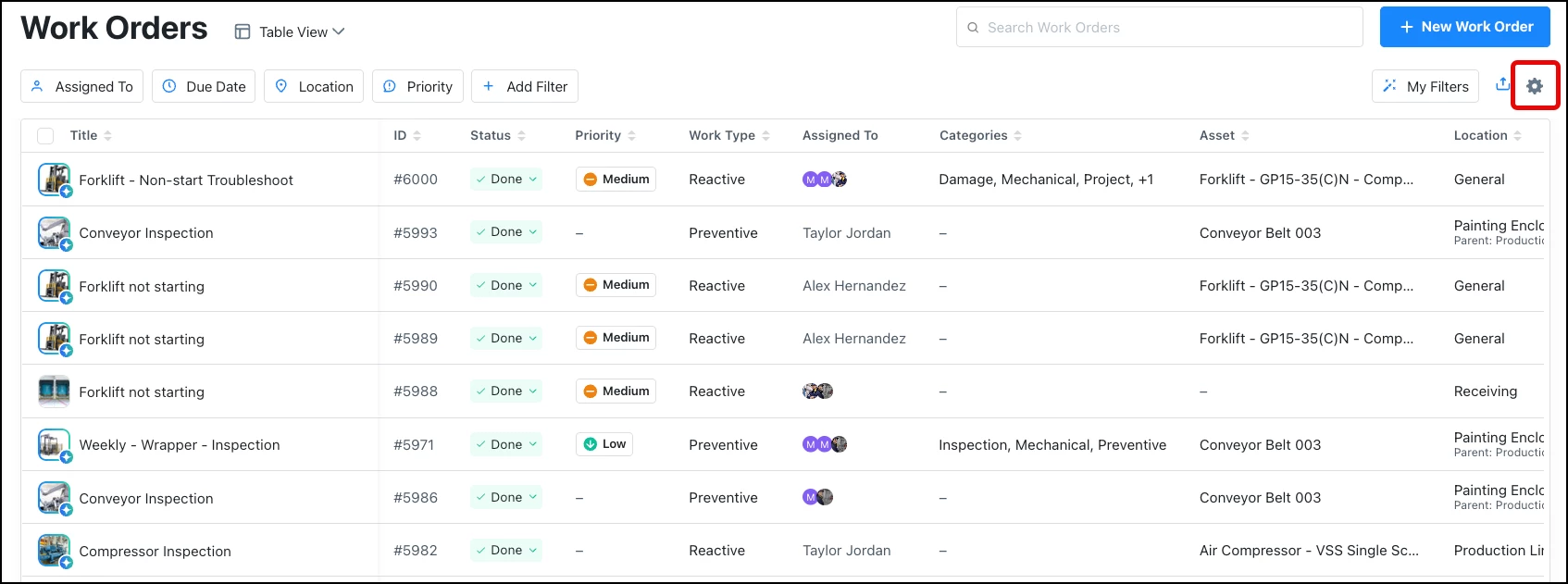
  2. Open ‘Settings’ (gear icon)


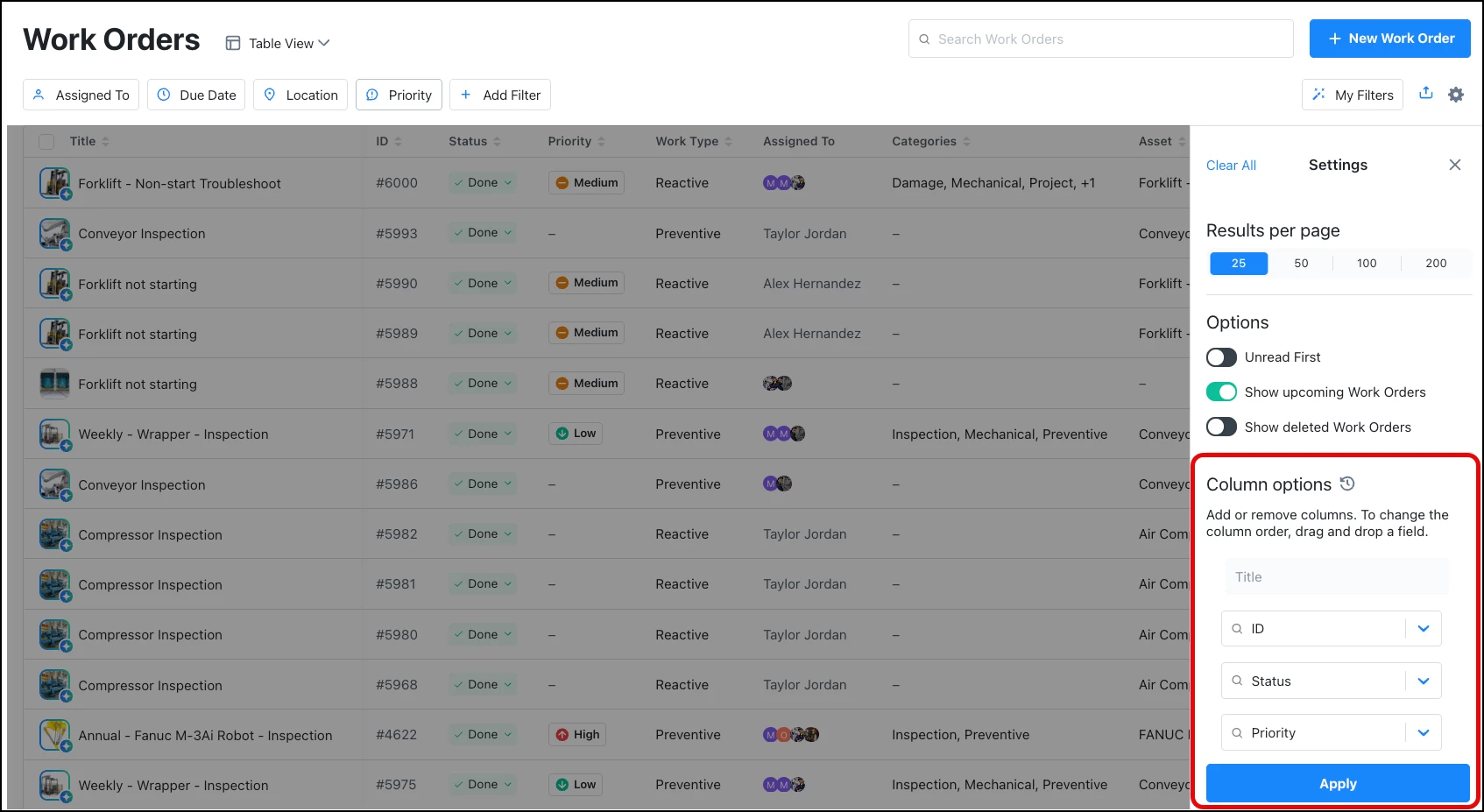
  3. You’ll make changes to the ‘Column options’ 


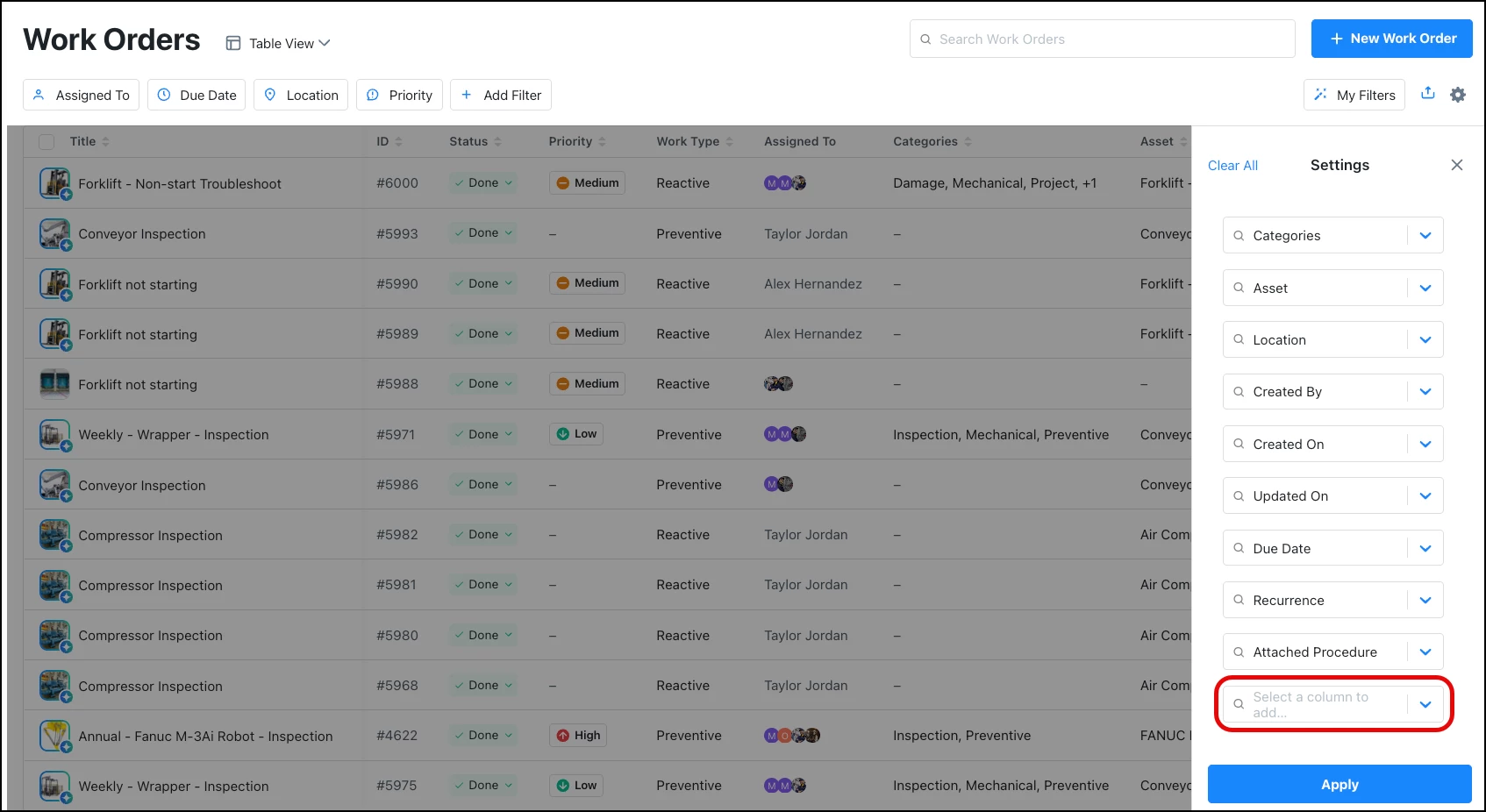
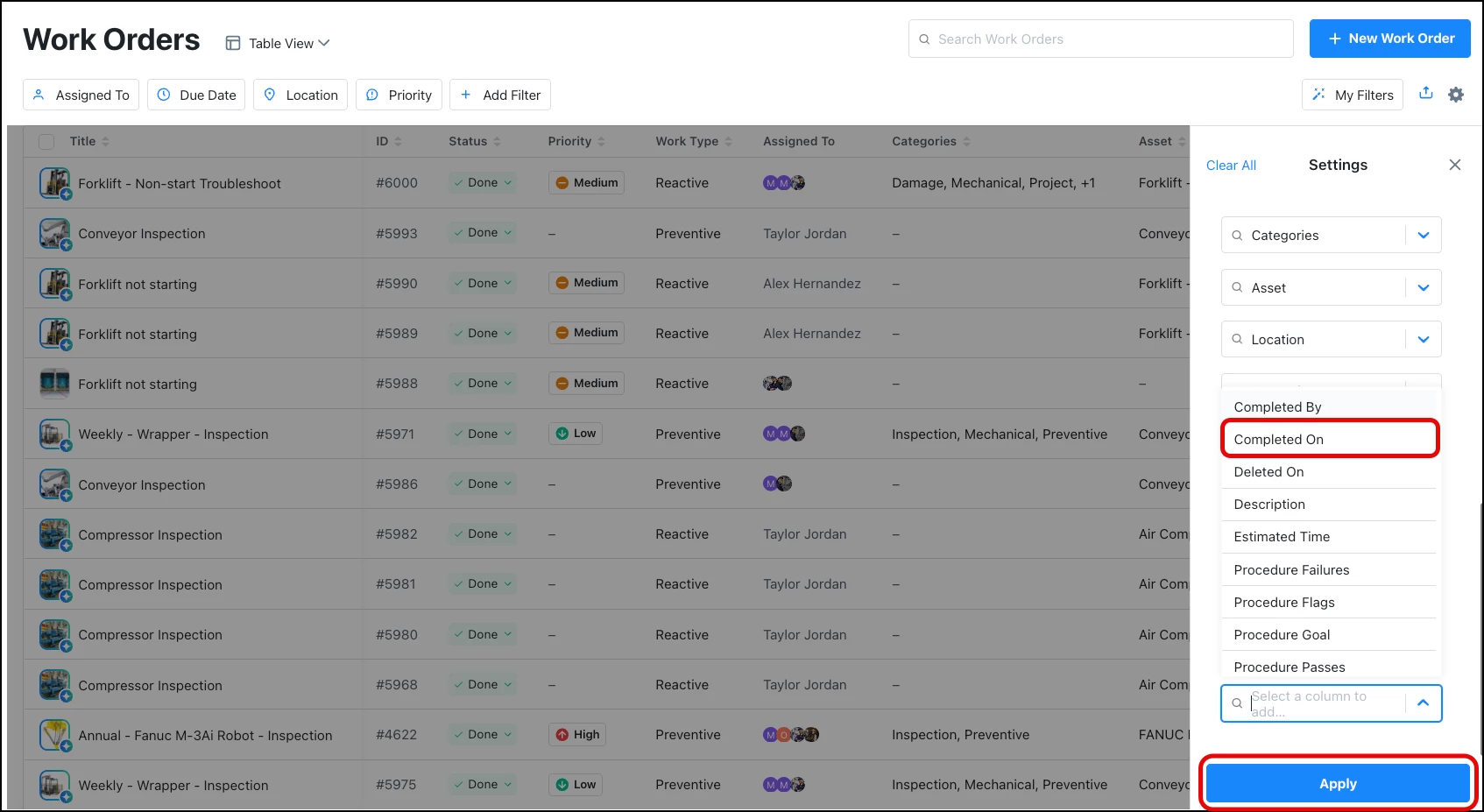
  4. Scroll down to the bottom of the columns list and click ‘Select a column to add...’


  5.  Select the ‘Completed On’ column, and click ‘Apply’


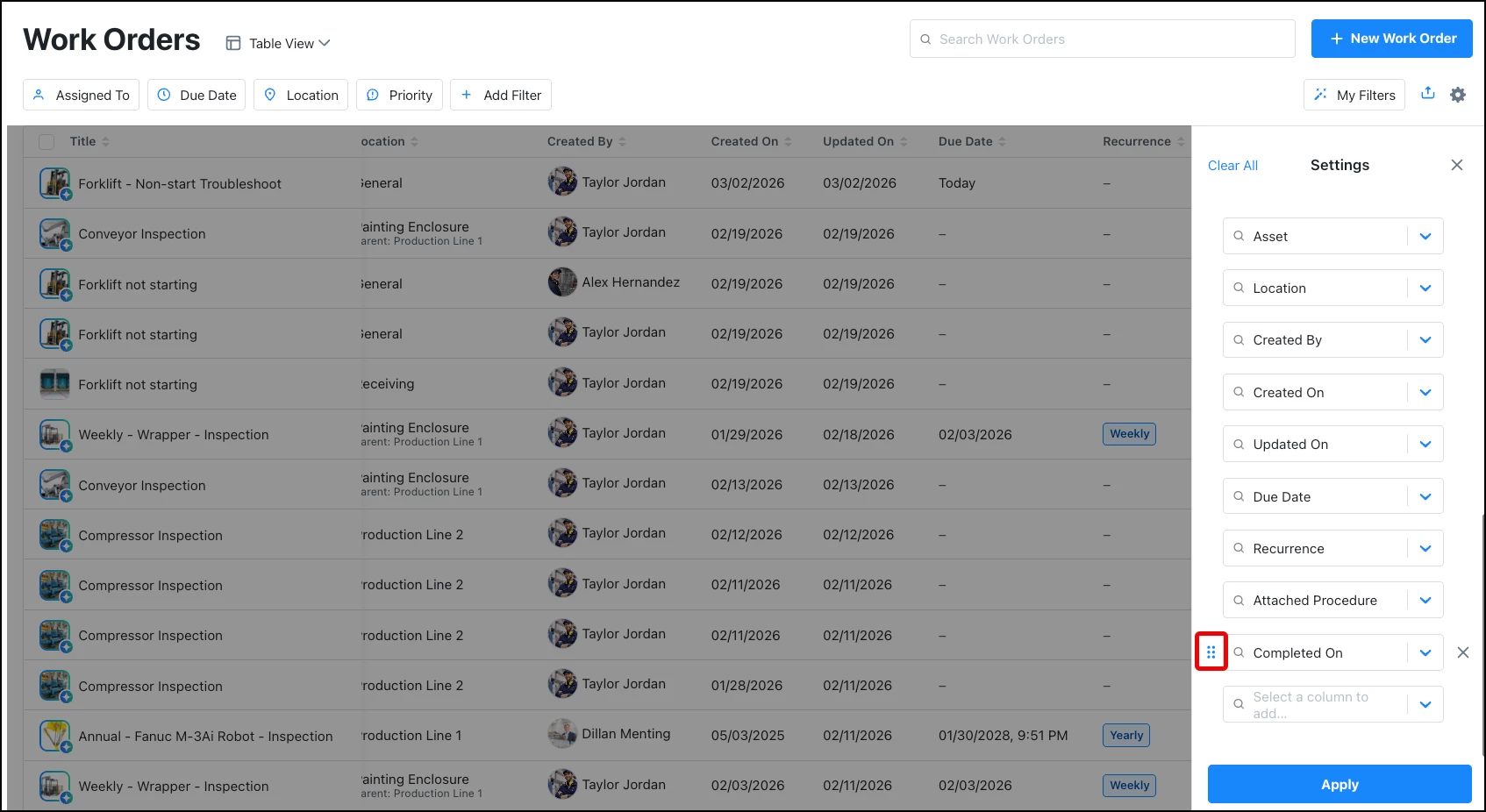
  6. You can select and drag the new column to your preferred order


  7. Here, the new column has been moved next to the existing ‘Updated On’ column


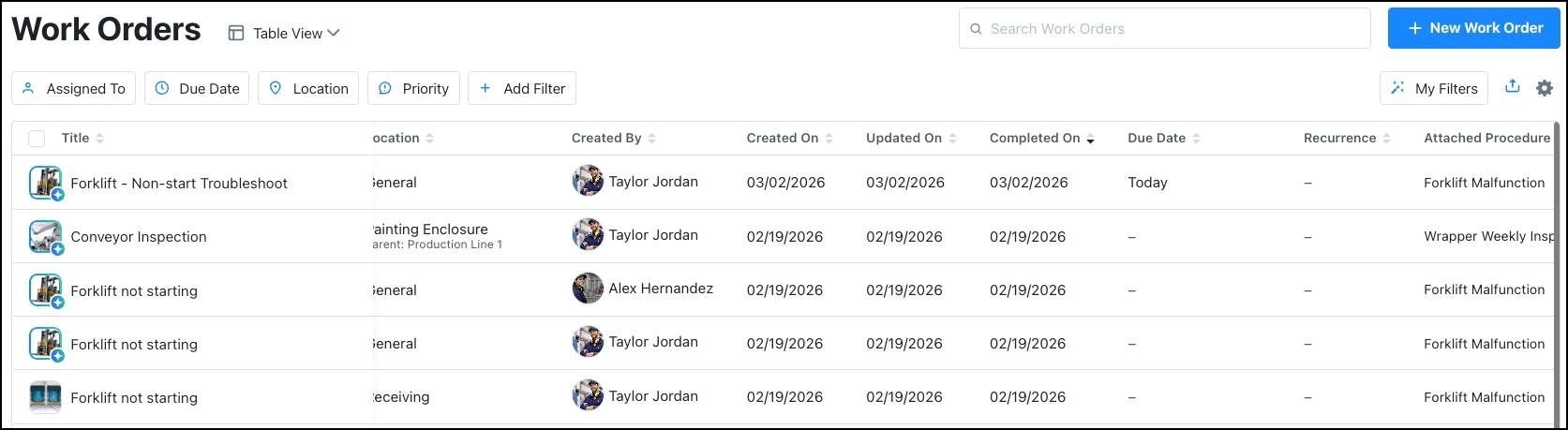
  8. Click the ‘Completed On’ column header once to order oldest to newest
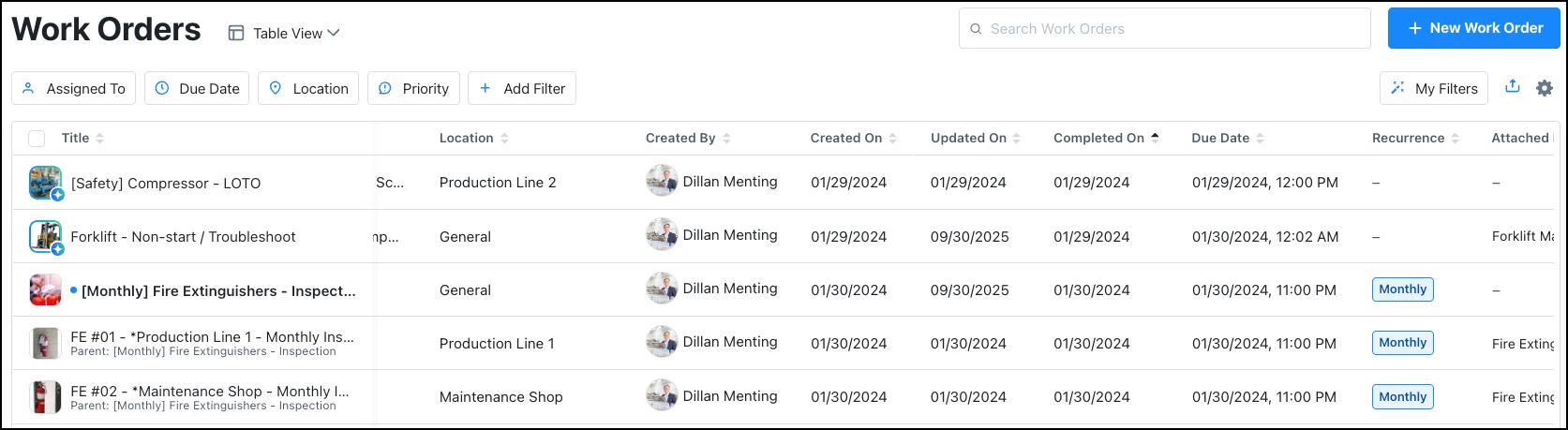
  9. Click the ‘Completed On’ column header again to order newest to oldest


Let me know if you have any follow up questions!

-Angelina


  • Emerging Technician
  • March 4, 2026

It’s possible to do this in Table View.  You need to add the “Completed On” column and save that to your filters.  Once you’ve added the column, you can sort by newest on top.   It does not appear to be a filtering option could be added in the future.   

Hope that helps.


I’d personally love to filter that column out so I can focus on what jobs were completed for auditing purposes.  For now, filtering by scheduled date and sorting works well enough.